
RR BuildingsRR Buildings
BrowseMy Projects
Log inSign up
RR Buildings
Project video

Step 2 · Turn Off Power to HVAC System

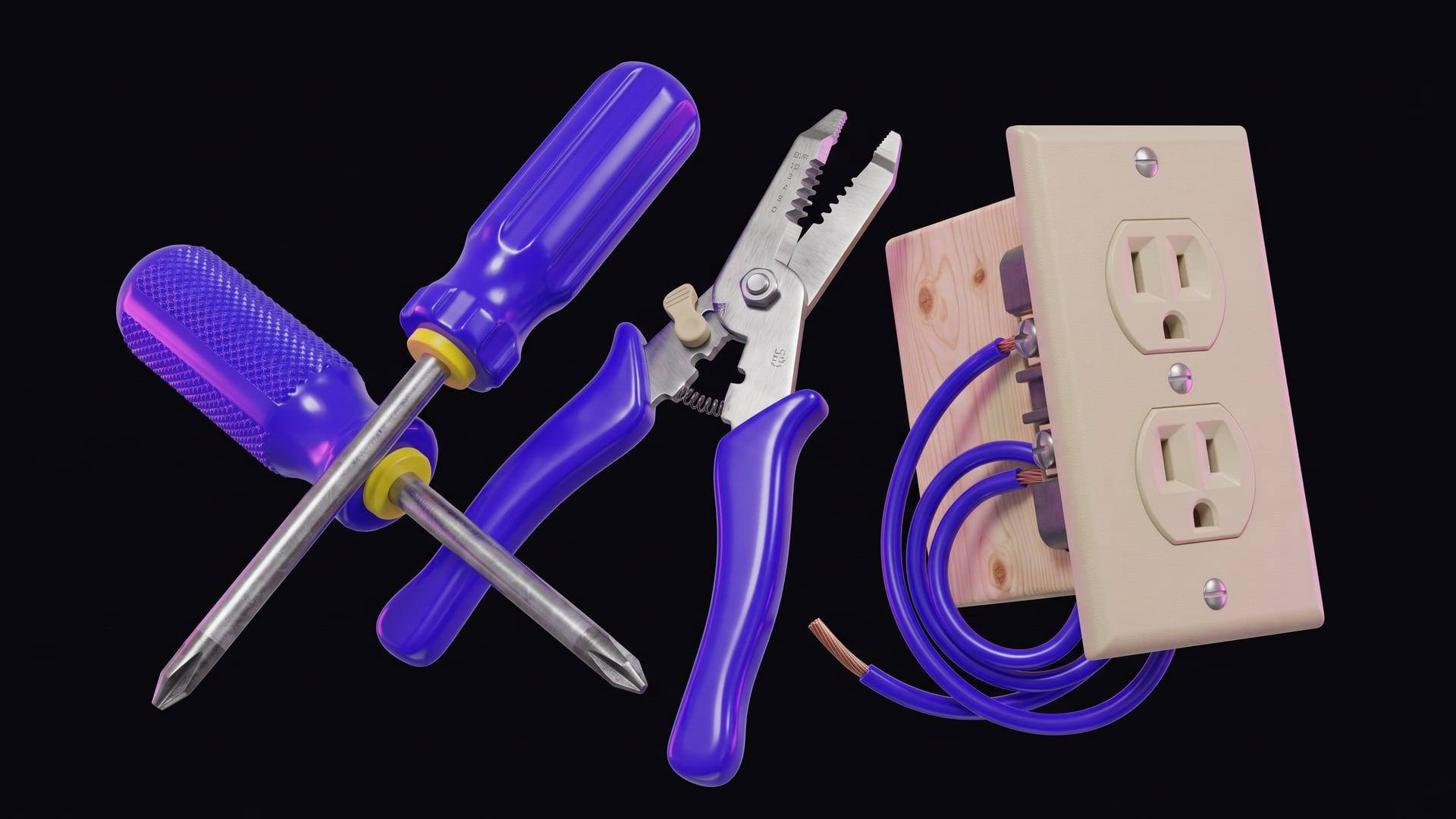
Locate your home's main electrical panel or breaker box. Identify the circuit breaker that controls your HVAC system (furnace, air conditioner, or both). Flip the breaker to the 'OFF' position. It's advisable to also turn off the power switch located on or near your furnace or air handler.

Stesso home
SearchSearchBrowseBrowseMy ProjectsMy Projects
Log inLog inSign upSign up

Step 2 · Turn Off Power to HVAC System

Locate your home's main electrical panel or breaker box. Identify the circuit breaker that controls your HVAC system (furnace, air conditioner, or both). Flip the breaker to the 'OFF' position. It's advisable to also turn off the power switch located on or near your furnace or air handler.

← Project

Smart Thermostat Installation

Step 2 of 12·1.5 hr left

Check Thermostat Compatibility
30 minutes
2
Turn Off Power to HVAC System
5 minutes
3
Remove the Old Thermostat Faceplate
2 minutes
4
Photograph Existing Wiring
3 minutes
5
Label Wires
5 minutes
6
Disconnect Wires and Remove Old Thermostat Base
5 minutes
7
Install New Thermostat Mounting Plate
10 minutes
8
Connect Wires to the New Thermostat
15 minutes
9
Attach the New Thermostat Faceplate
5 minutes
10
Restore Power to HVAC System
2 minutes
11
Configure Smart Thermostat Settings
30 minutes
12
Test Heating and Cooling Systems
10 minutes
Prev
Next
TermsPrivacySafetyLegal© 2026 Stesso, Inc.